

Roll out Gesta to your team
Move from a small pilot to consistent organization-wide AI agent standards.
A successful Gesta rollout gives employees clear standards without interrupting the way they already work. Start with a small group, learn from real sessions, then expand with rules that have already been tested.
Before you begin
Choose the people who will own the rollout:
- an organization Owner who can manage members and settings;
- an engineering or security lead who can define company standards;
- a small pilot group that represents common repositories and workflows;
- a support contact employees can reach when onboarding is unclear.
Agree on the first outcomes you want to see. Good starting outcomes include connected employee machines, consistent confirmation before destructive work, and enough activity to understand which agents and tools the team uses.
Phase 1: Run a pilot
Invite a small group of employees and ask each person to connect one machine. Include a mix of everyday development work and higher-risk operational work so the pilot reflects how the organization actually uses AI agents.
During the pilot:
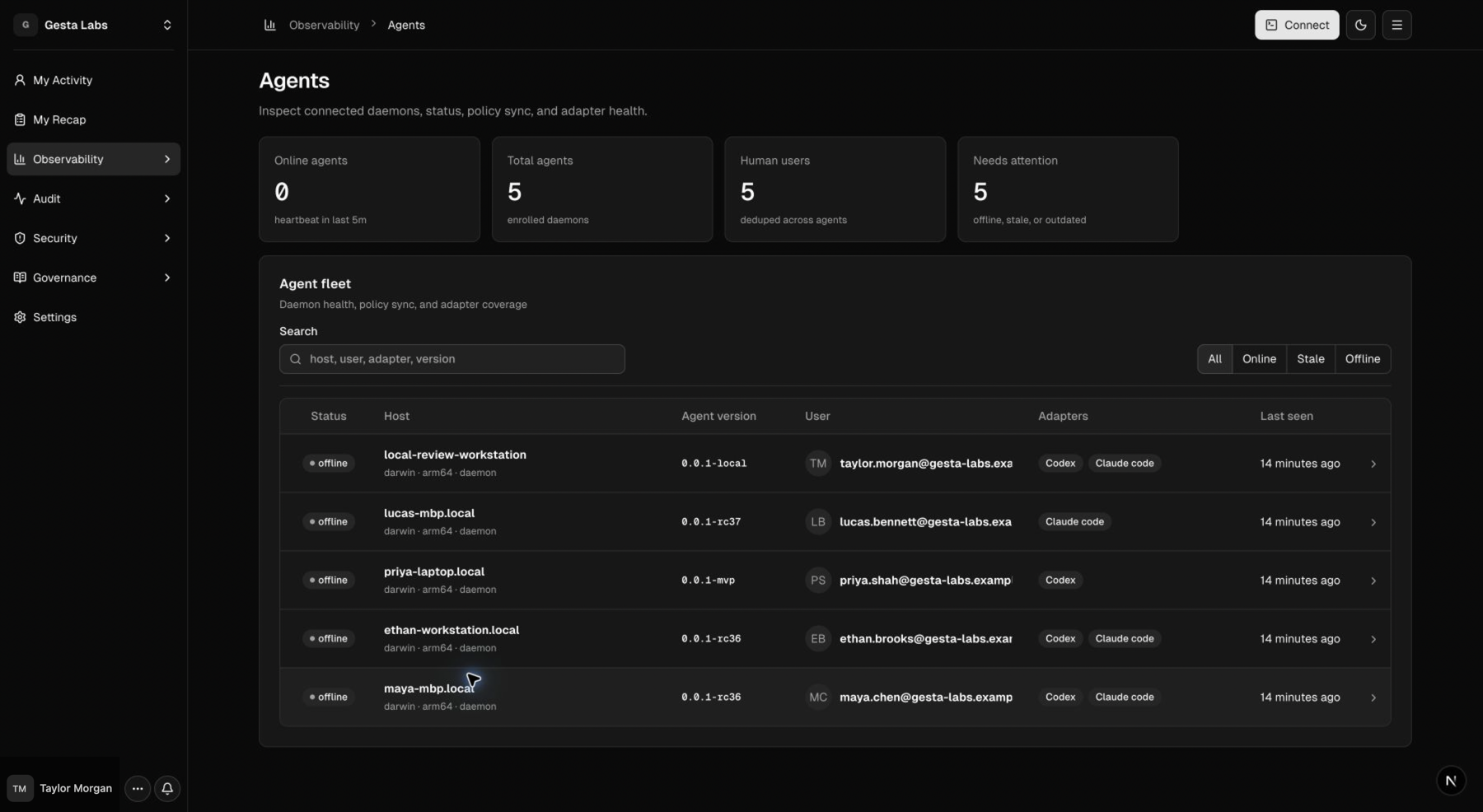
- verify that each machine appears in Observability → Agents;
- publish one or two focused Context Rules;
- test rules in a non-production environment;
- review sessions, rule matches, and employee feedback;
- adjust wording and triggers before inviting more people.
The Agents page does not have a pilot-group filter. Find pilot machines by host or user search, then use the real All, Online, Stale, and Offline status filters to investigate connection health.
Phase 2: Establish the baseline
Create a small baseline that applies to everyone. Avoid publishing a large rule library on day one.
A practical baseline is:
- report what was actually verified and identify remaining uncertainty;
- obtain explicit employee confirmation before destructive or irreversible work;
- prepare rollback and verification steps for production changes;
- follow company requirements for secrets and sensitive data.
Use Organization Library for open-ended operating standards. Use Operational Policies and Sensitive Data only where a specific matched outcome is required.
Phase 3: Expand by team
Invite employees in manageable groups. For each group:
- share the installation path and expected completion time;
- identify the Owner or support contact;
- verify connected machines and agent integrations;
- review the first week of activity and explain why a session may not become a Recap item;
- collect examples where a standard was missing or unclear.
Do not measure rollout only by invitations sent. A team is onboarded when its machines are connected, employees can find their activity, and the expected Context Rules are reaching their work.
Phase 4: Operate continuously
Review Gesta on a regular cadence:
- Weekly during rollout: connection issues, outdated runtimes, pending approvals, and rules that are not matching.
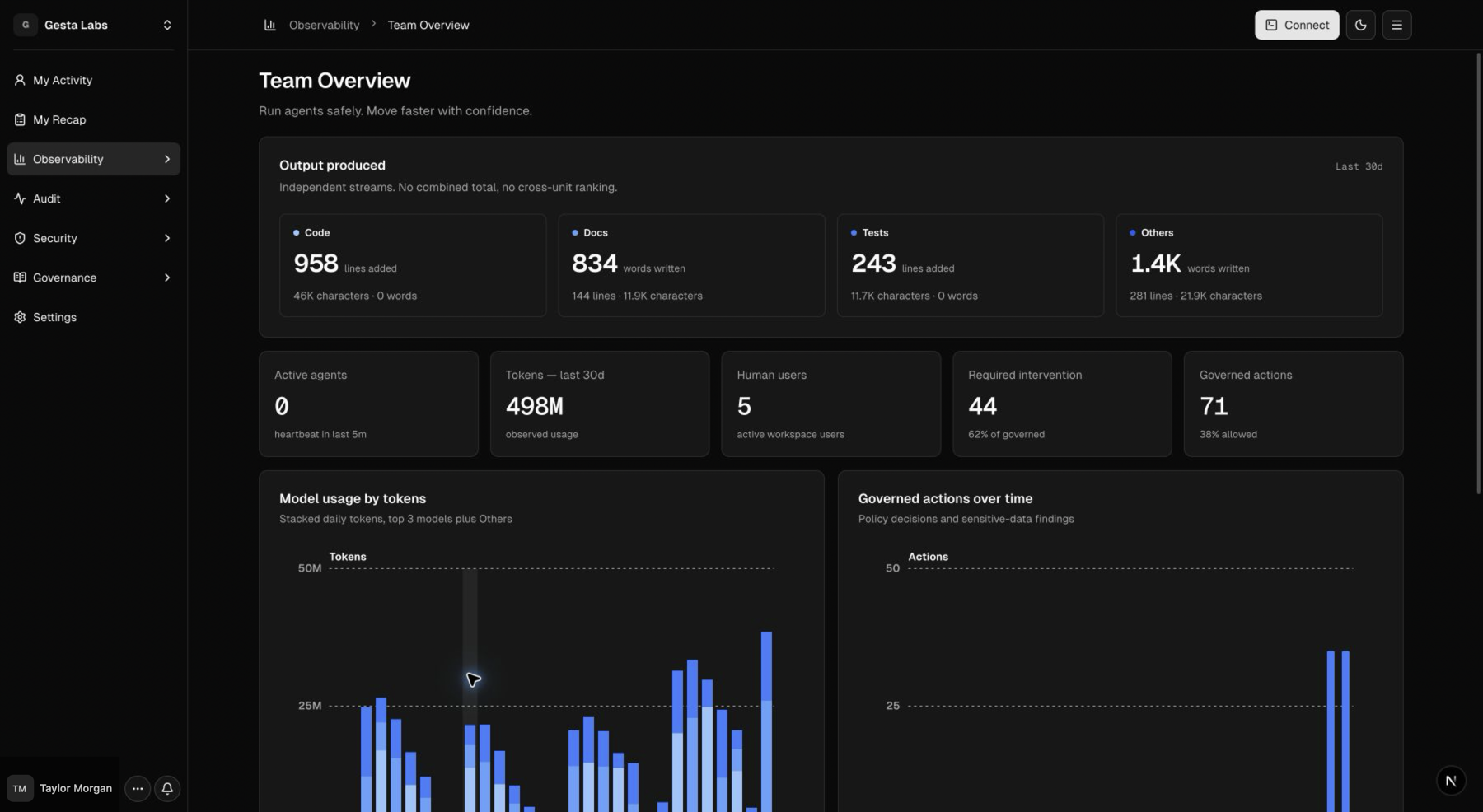
- Monthly after rollout: adoption trends, daily Recap quality, frequently used tools, repeated warnings, model usage, and employee feedback.
- When company standards change: update the relevant rule, test it, and tell employees what changed.
Rollout checklist
- Assign at least two organization Owners.
- Choose a representative pilot group.
- Connect and verify pilot machines.
- Publish and test the organization baseline.
- Document who responds to onboarding questions.
- Expand invitations by team.
- Review connection health and protection outcomes.
- Establish a regular rule-review cadence.
Continue with Manage members and roles, Connect an agent, and Manage the agent fleet.